Resume Score 70: Is It Good Enough?
Find out if your resume score is competitive.

Apply this guide immediately with RESUGROW tools
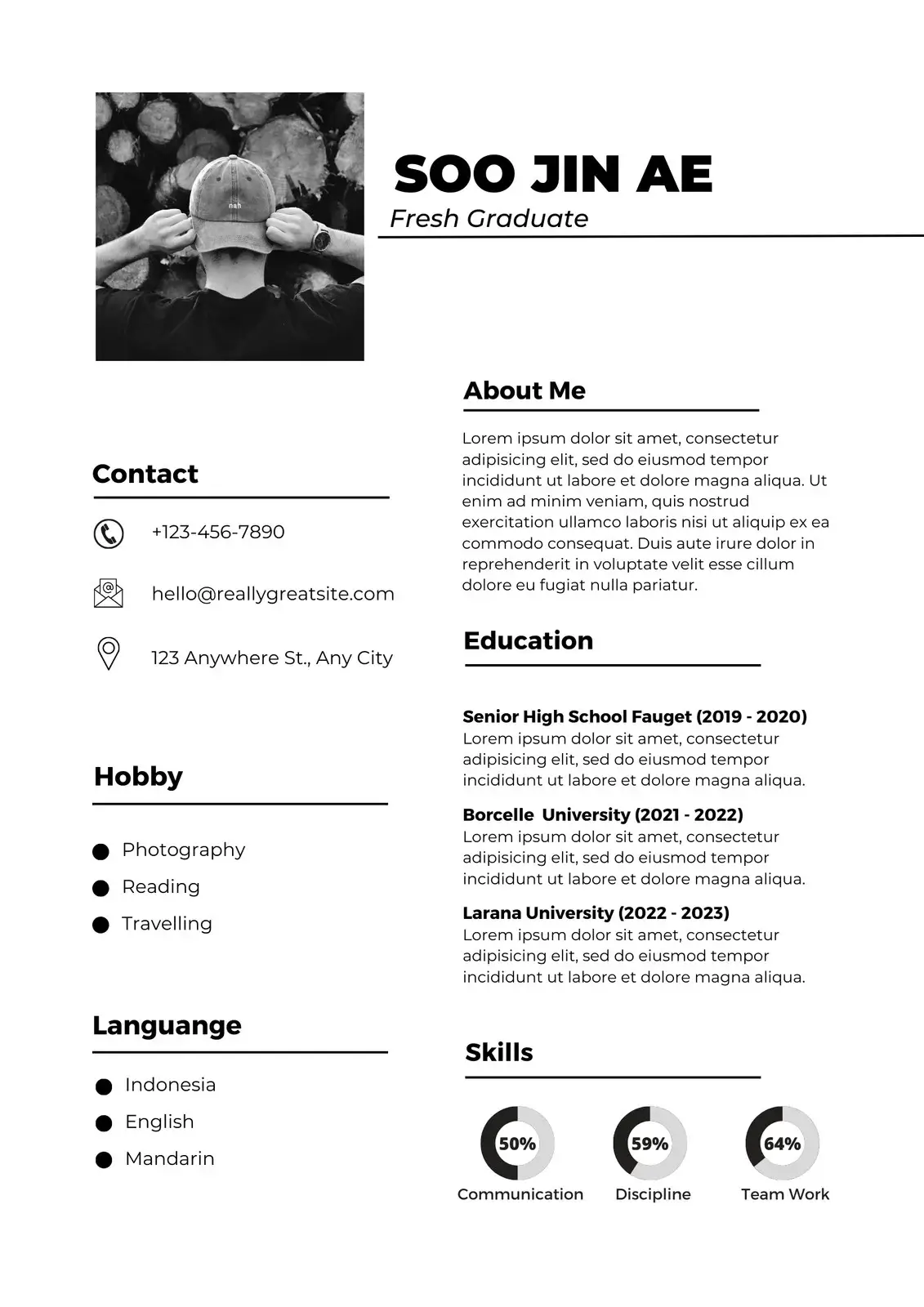
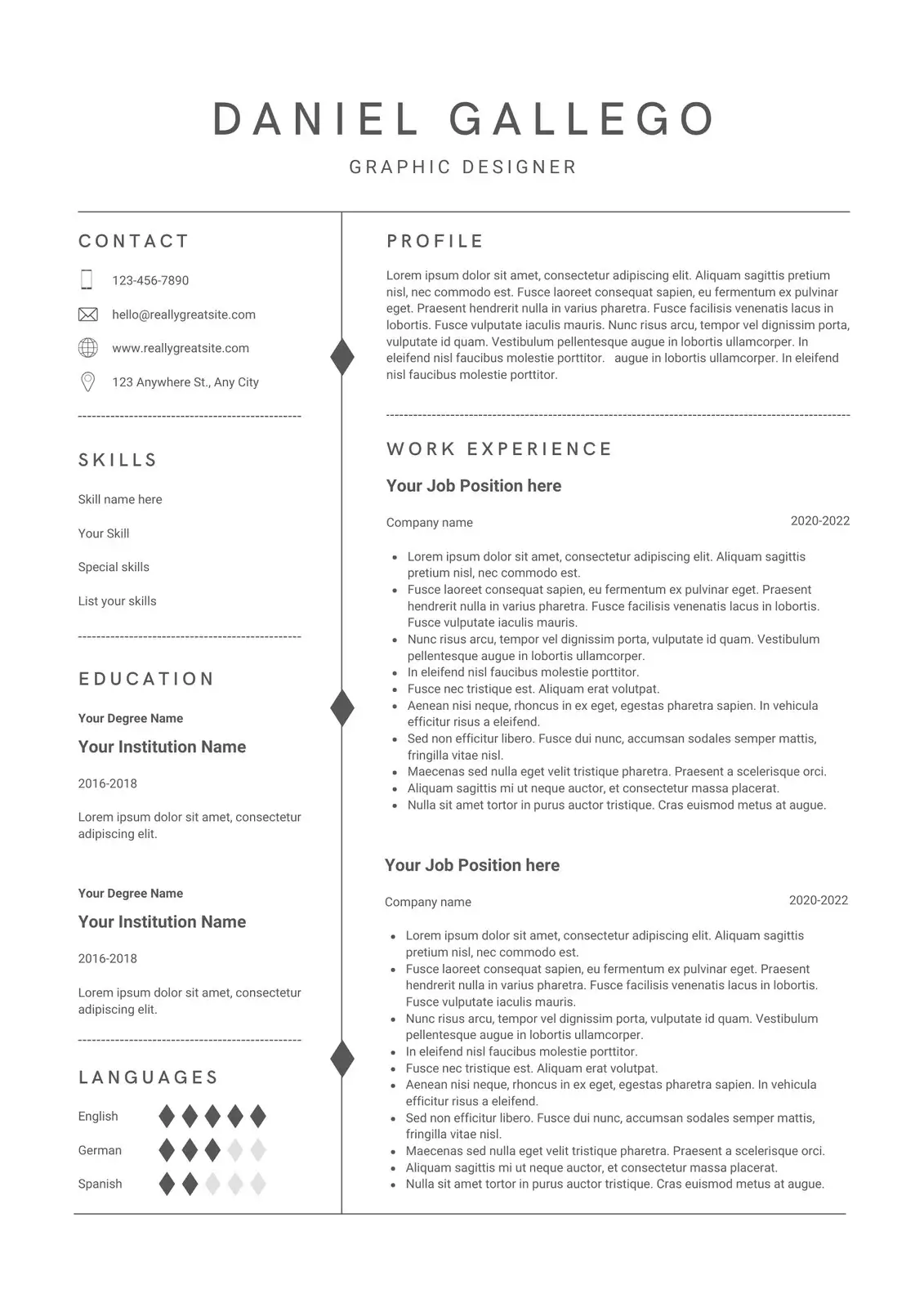
Find out if your resume score is competitive. This guide is written to be applied in one sitting: diagnose the exact gap, fix the highest-leverage sections first, and validate the result before you apply again.
What recruiters and ATS systems are looking for in 2026
Most hiring funnels now have two gates: machine parsing (ATS extraction and matching) and human scan (clarity, credibility, and role fit). Your goal is not to “sound impressive.” Your goal is to remove doubt quickly.
In practical terms, that means: 1. A clear target role and keyword alignment. 2. A top-third that summarizes fit in 10 seconds. 3. Evidence: metrics, scope, tools, and outcomes. 4. A layout that extracts cleanly from PDF.
If you want the fast path, start with Check your resume score, fix only the bottom-scoring areas, then build your resume in RESUGROW.
What a resume score of 70 usually means
You have a workable baseline, but missing alignment usually suppresses interview conversion.
A “resume score” is best interpreted as a conversion proxy. It typically reflects: 1. Formatting and extraction reliability (parser confidence). 2. Keyword coverage against target roles (match %). 3. Impact evidence in bullets (metrics and outcomes). 4. Section completeness and clarity (scan speed).
Why your score can be high in one area and low overall
It is common to see a high “Completeness” score while the overall score remains low. Completeness often measures presence of sections. Overall score penalizes content quality and relevance much more heavily.
Example: a resume with all sections but vague bullets (“responsible for…”) can be “complete” yet still weak in proof and relevance. This is exactly why you should validate with Check your resume score and not rely on one metric.
The 4 levers that move your score the fastest
Lever 1: Target role alignment Pick one role family. Mirror the job description language where it is true.
Lever 2: Proof density Add scope and outcomes: %, $, time saved, volume handled, team size, latency, conversion.
Lever 3: Top-third clarity Your title, summary, and key skills should answer “why you” instantly.
Lever 4: ATS-safe formatting One column, standard headings, consistent dates, no text boxes.
A 30-minute fix plan
1. Run Check your resume score against a target job description. 2. Rewrite your summary into 3–5 lines: role, specialty, 2 metrics. 3. Upgrade the first 2 bullets in your most recent role using rewrite your bullets with SAR. 4. Add missing keywords into Skills and those two bullets. 5. Re-scan until the score and extraction stabilize.
Before and after examples (copy the pattern)
Weak: "Worked on marketing campaigns."
Strong: "Optimized paid acquisition across Google and Meta, improving ROAS by 34% and reducing CAC by 18% over 90 days."
Weak: "Managed a team."
Strong: "Led a team of 6 across product and engineering to ship 3 releases, reducing incident rate by 27%."
Checklist: what to audit before you apply again
1. The job title you want appears in the top third. 2. The top 10 keywords from the JD appear naturally in Summary, Skills, and Experience. 3. Every recent role has at least one quantified outcome. 4. Dates are consistent and easy to scan. 5. PDF extraction keeps section order intact.
Final CTA
If you want a measurable lift this week: Check your resume score, then build your resume in RESUGROW, then validate again.
The advanced checklist (the stuff most guides skip)
If you already fixed the basics, these are the checks that usually unlock the next jump in responses:
1. Extraction sanity Open the extracted text from your PDF. If you see mixed ordering, missing dates, or broken bullet indentation, simplify formatting. ATS systems prioritize predictable structure over “design.”
2. Keyword mapping that does not feel forced Pull 12–18 high-signal terms from the job description. These are usually: role keywords, core tools, domain nouns, and required methods. Place them where they belong: Summary, Skills, and the first bullets in your most recent role. Avoid repeating them everywhere.
3. Proof density in the first 8 lines Recruiters decide fast. Your first 8–12 lines should contain at least: one role identity statement, one domain signal, and one measurable impact point.
4. Date and title consistency Inconsistent dates create doubt. Use one format everywhere (e.g., "Mar 2023 – Present"). Keep titles accurate and aligned with what you want next.
5. “So what” clarity If a bullet does not imply business value, upgrade it. The simplest upgrade is adding scope and outcome: volume, time, money, risk reduction, reliability, conversion, engagement, quality.
How to find metrics even if you “don’t have numbers”
Most people do have numbers. They just do not label them as numbers. Look for: 1. Volume: users, customers, tickets, accounts, campaigns, requests, leads. 2. Speed: cycle time, time-to-resolution, release frequency, turnaround time. 3. Quality: error rate, defect rate, incident count, NPS, CSAT. 4. Money: revenue, budget, savings, CAC, LTV, margin. 5. Risk: SLA, compliance, downtime, fraud, churn.
If you cannot share exact numbers, use safe ranges or directional impact: "~", "about", "in the low thousands", "double-digit %".
Keyword alignment workflow you can repeat for every application
1. Copy the job description into a scratch doc. 2. Highlight all tools, methods, and domain nouns. 3. Pick the top 12 terms that match your real experience. 4. Ensure the top 12 show up across Summary, Skills, and Experience (naturally). 5. Run Check your resume score to validate match and extraction.
This is how you tailor without rewriting your entire resume every time.
Example upgrades (patterns that increase recruiter confidence)
Weak: "Responsible for dashboards."
Strong: "Built weekly KPI dashboard used by leadership to prioritize roadmap bets; reduced decision latency from 10 days to 3."
Weak: "Worked with stakeholders."
Strong: "Partnered with cross-functional stakeholders to define requirements and deliver releases on time; improved cycle time by 18%."
Weak: "Improved system performance."
Strong: "Optimized backend performance to cut p95 latency by 32% and reduce infra cost by 14%."
FAQs (quick answers)
Should I use Word or PDF? Use PDF unless a role explicitly requests Word. Always keep a DOCX backup for legacy systems.
How many keywords should I add? Aim for 12–18 high-signal terms per role, used naturally. Proof beats stuffing.
How long should my resume be? One page for early career. Two pages is fine when page two adds real proof (projects, leadership scope, publications).
Do templates matter for ATS? Yes. One-column, standard headings, and simple spacing improve extraction and ranking reliability.
What is the fastest way to improve bullets? Rewrite the first 2 bullets under your most recent role with SAR and metrics. Use rewrite your bullets with SAR.
Next step (do this now)
Pick one target role, run Check your resume score, apply the fixes in build your resume in RESUGROW, and re-scan. Repeat until the result is stable and recruiter-ready.
Ready to improve your score?


