Indeed Resume Builder: How to Use It for Free and Land More Interviews
The Indeed resume builder is free and fast. Learn how to optimize your Indeed profile and when you should upgrade to a more professional builder.

Apply this guide immediately with RESUGROW tools
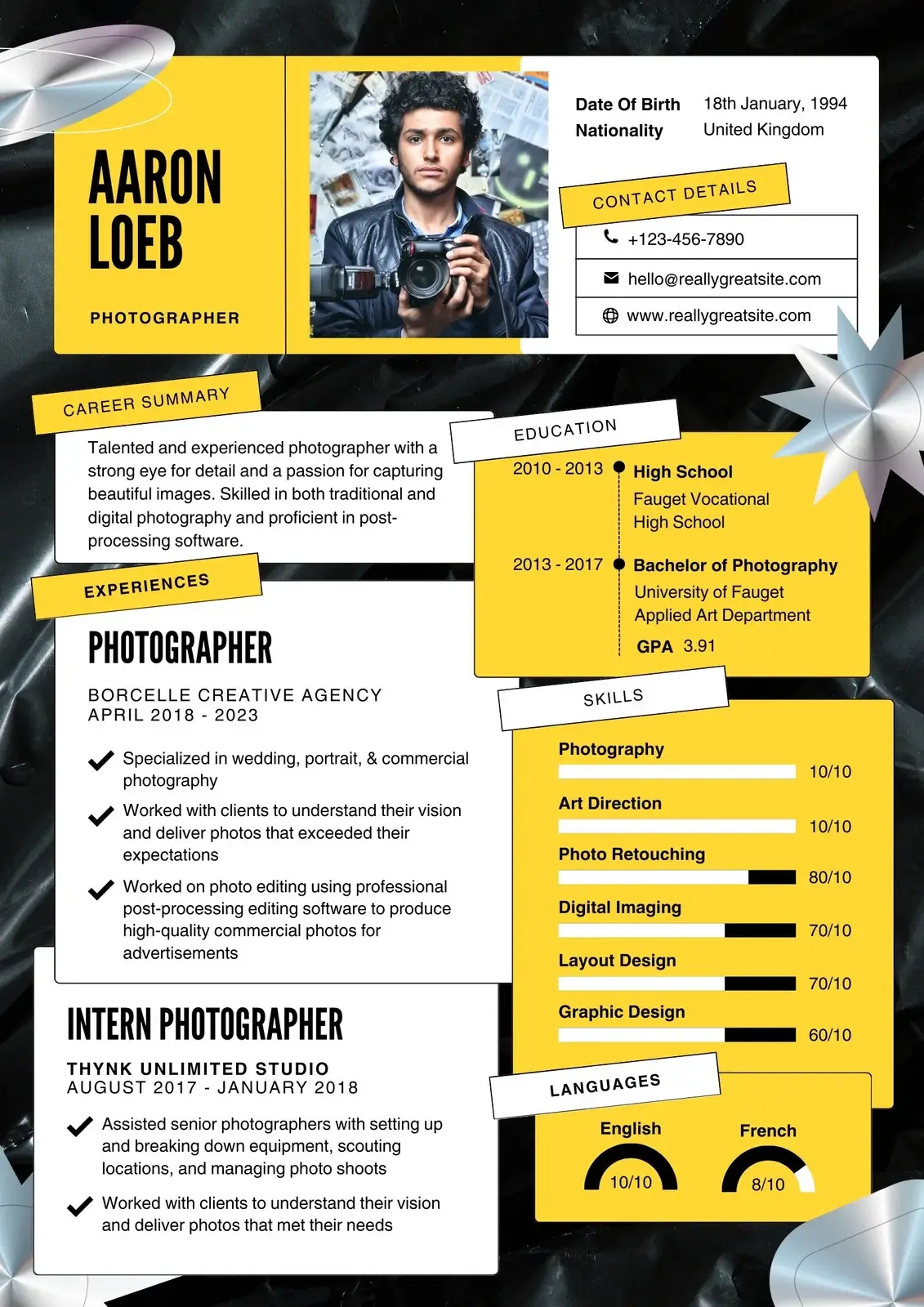
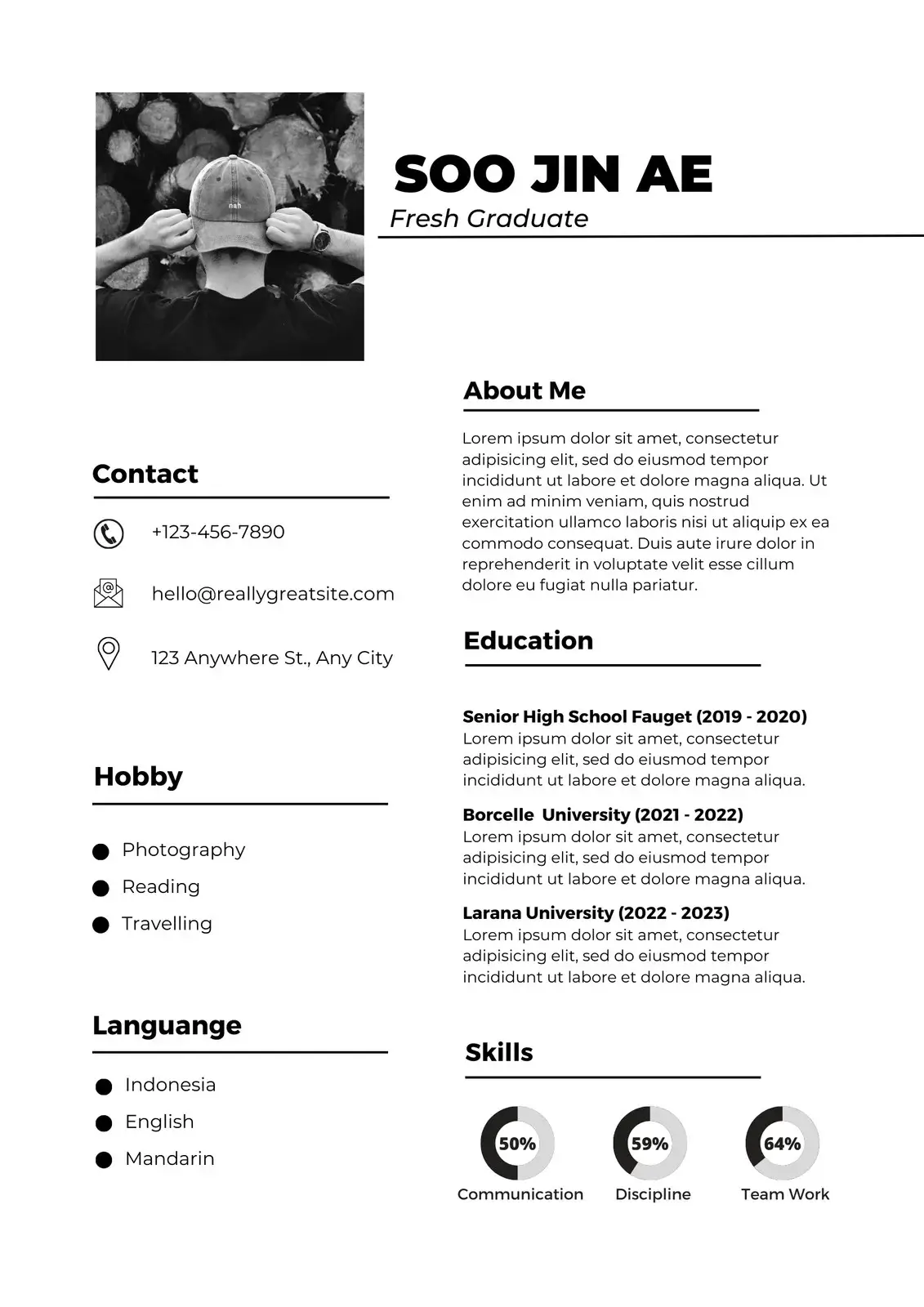
If you are looking for a job, you are almost certainly on Indeed. As the world’s largest job site, indeed jobs are the primary target for millions of applicants. To make the process easier, they offer the indeed resume builder—a completely free resume builder that integrates directly with their platform.
In this guide, we’ll look at how to use the indeed resume builder free of charge, how it compares to chatgpt or canva, and how to ensure your profile stands out to recruiters.
Why Use the Indeed Resume Builder?
The primary advantage of the indeed resume is convenience. When you apply for a job on Indeed, having an "Indeed Resume" on file allows you to apply with a single click.
### Pros of Indeed: - Truly Free: It is one of the few truly free resume builder tools with no hidden download fees. - ATS Friendly: Since Indeed is an ATS itself, the resumes built on their platform are guaranteed to be readable by their systems. - Mobile Friendly: You can easily edit your resume on your phone while browsing indeed jobs.
### Cons of Indeed: - Basic Design: The templates are very plain. You won't get the visual flair of a canva resume or a novoresume. - Limited Customization: You can't move sections around easily or change fonts. - Generic Look: Because so many people use it, your resume will look like thousands of others.
Indeed vs. Modern AI Tools
In 2026, many job seekers are using chatgpt to write their resumes and then pasting the text into google docs or flowcv. How does this compare to Indeed?
- ChatGPT + Google Docs: Gives you more control over the writing but requires manual formatting. - Indeed Builder: Takes care of the formatting for you but offers zero writing assistance. - RESUGROW / Zety: The "best of both worlds." You get the AI writing help of chatgpt combined with professional, high-end templates.
How to Optimize Your Indeed Resume for 2026
If you use the indeed resume builder free version, follow these steps to make it as effective as possible:
1. Complete Every Section: Don't skip the "Certifications" or "Skills" sections. The more data you provide, the better Indeed's algorithm can match you to jobs. 2. Use Keywords: Look at the job descriptions for the roles you want. Ensure those exact words appear in your Indeed profile. 3. Keep it Updated: Recruiters on Indeed often filter by "Last Active." Logging in and making a small update once a week can keep you at the top of their search results. 4. Use "Apply with Indeed" Wisely: While easy, don't just "Easy Apply" to every job. Take a moment to customize your summary if the job allows it.
When Should You Move Beyond Indeed?
The indeed resume builder is perfect for: - Entry-level roles. - High-volume applications. - When you are in a rush.
However, if you are applying for a senior management role, a specialized tech position, or a role at a top-tier company like Google or Meta, you should consider a more professional tool. A custom-built resume from RESUGROW or Novoresume signals a higher level of effort and professionalism to a human recruiter.
The Verdict
The indeed resume builder is an essential tool in any job seeker's arsenal. It’s the fastest, easiest way to get your foot in the door on the world’s biggest job platform.
But remember: it’s a starting point, not the finish line. Use it for what it’s good for, but don't be afraid to invest in a more professional document for your "dream" roles.
Summary: - Best for convenience and speed on indeed jobs. - Completely free to use and download. - Highly ATS-compatible. - Use it for entry-level roles; upgrade for executive positions.
Ready to improve your score?


