The Step-by-Step Guide to Designing an Interactive Portfolio
Static portfolios are boring. In 2026, hiring managers want to interact with your work. Learn how to structure and design a high-converting, interactive professional showcase.

Apply this guide immediately with RESUGROW tools
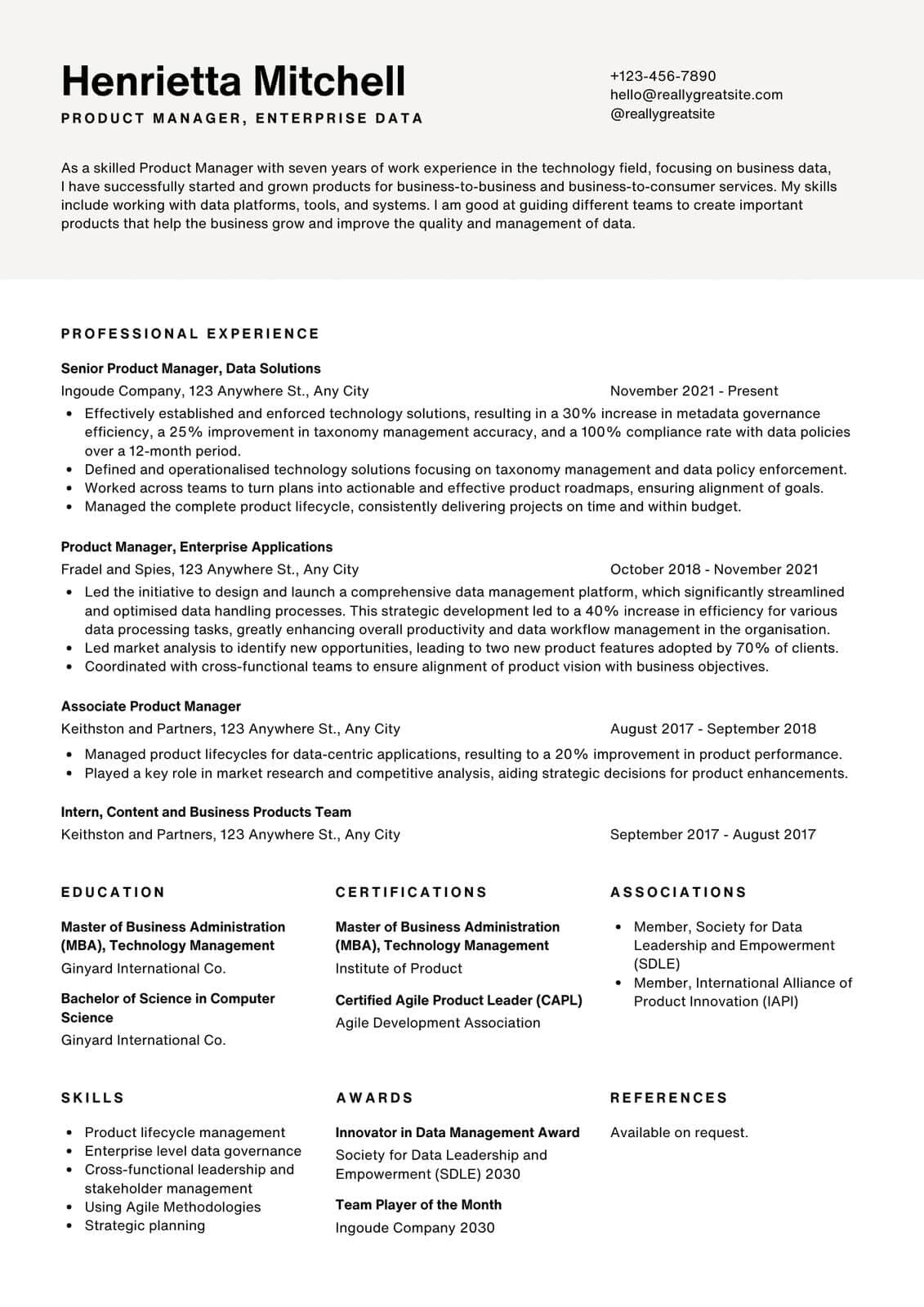
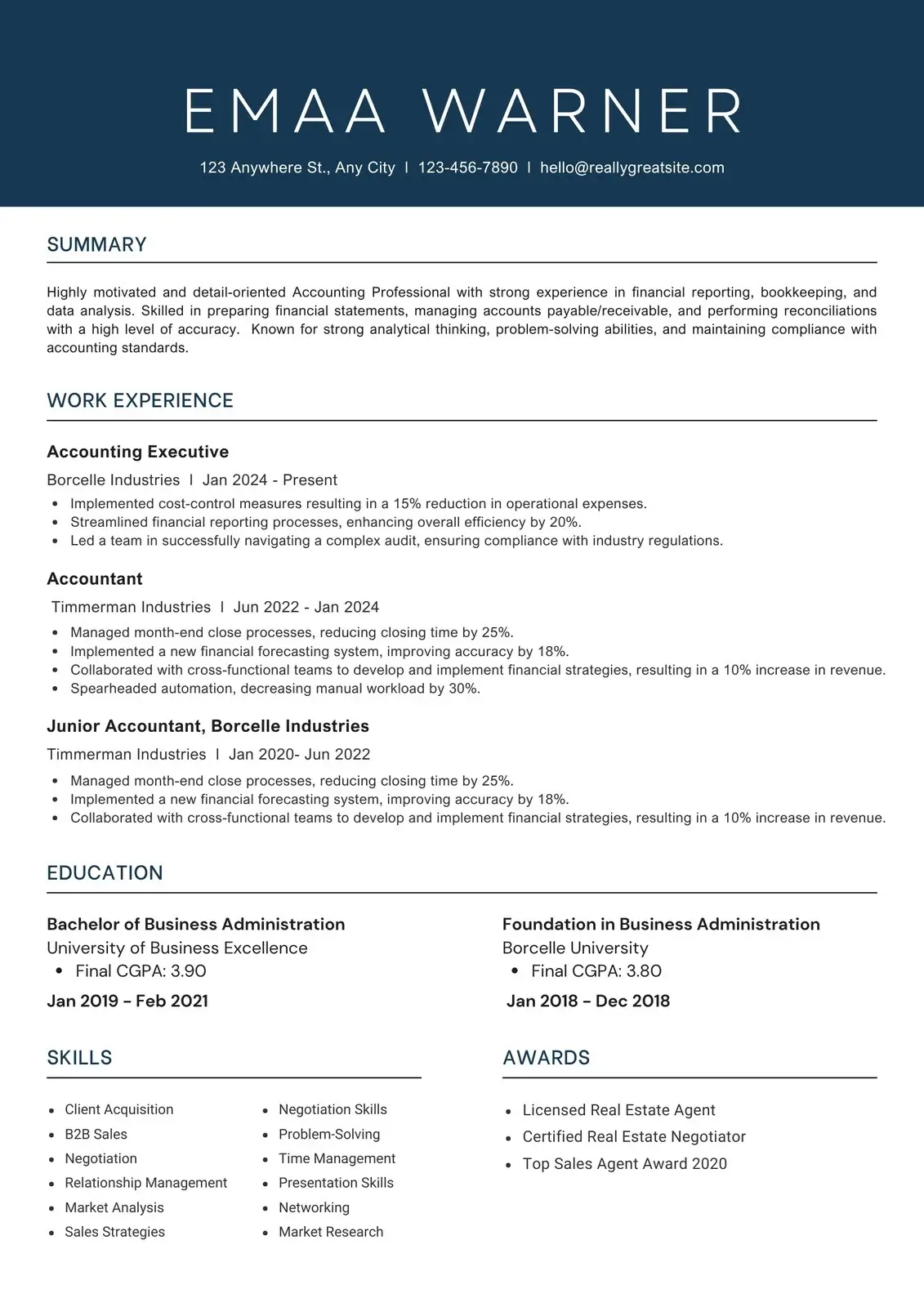
As the corporate world shifts rapidly toward skills-based hiring, the static resume is becoming a supporting document rather than the main event. Whether you are a product manager, marketer, developer, or operations specialist, an interactive, high-fidelity portfolio is your most powerful tool to stand out in 2026.
Hiring managers are busy. They do not want to download a 50MB PDF or read a massive wall of text. They want a fast, interactive web page that demonstrates how you think, solve problems, and deliver business value.
Step 1: Curate, Don't Dump The most common mistake is treated a portfolio like a digital attic containing everything you have ever made. A premium portfolio should only feature your top 3 to 4 case studies.
Select projects that demonstrate different facets of your capabilities: - Project 1: High complexity, cross-functional collaboration. - Project 2: Direct, massive business value (revenue, optimization, cost savings). - Project 3: A unique, creative problem-solving scenario.
Step 2: The "Hero, Challenge, Solution, Impact" Structure Every case study in your portfolio should be structured like an engaging story. Use this universal structure:
1. The Hook (The Hero Card): A 2-sentence summary outlining what you built, what your role was, and the ultimate result. 2. The Challenge (The Problem): What was the business emergency or customer pain point? Why did it matter? Frame this as a real obstacle. 3. The Solution (The Execution): How did you design, build, and test your solution? Show your wireframes, process diagrams, or system architecture. Make this section interactive using collapsible accordions or step-by-step progress cards. 4. The Business Impact (The Metrics): This is the most crucial part. Show interactive charts, before/after statistics, or testimonials from real users or stakeholders.
Step 3: Add Micro-Interactions To keep the hiring manager engaged, implement clean, subtle design details: - **Collapsible Deep-Dives:** Let the user click to read more technical details, keeping the initial view clean. - **Interactive Before/After Sliders:** If you are a designer or marketer, let the user slide between the legacy layout and your new optimized design. - **Live Tool Links:** Embedded links that open a live Figma project, an interactive dashboard, or a GitHub repository.
Step 4: The Immediate Call to Action Do not make a recruiter search for your contact information. Place a clear, prominent "Let's work together" section at the bottom of every single project page. Include buttons to email you directly, download your optimized resume, and connect on LinkedIn.
An interactive portfolio shows that you are not just someone who applies to jobs—you are a practitioner who takes pride in their craft. It turns your job search from a passive screening process into an active, engaging demonstration of your skills.
Ready to improve your score?