Canva Resume Builder vs. Dedicated AI Tools: Which One Should You Choose?
Canva is a design powerhouse, but is it the best for resumes? We compare the Canva resume maker with AI-powered tools like RESUGROW and Zety.

Apply this guide immediately with RESUGROW tools
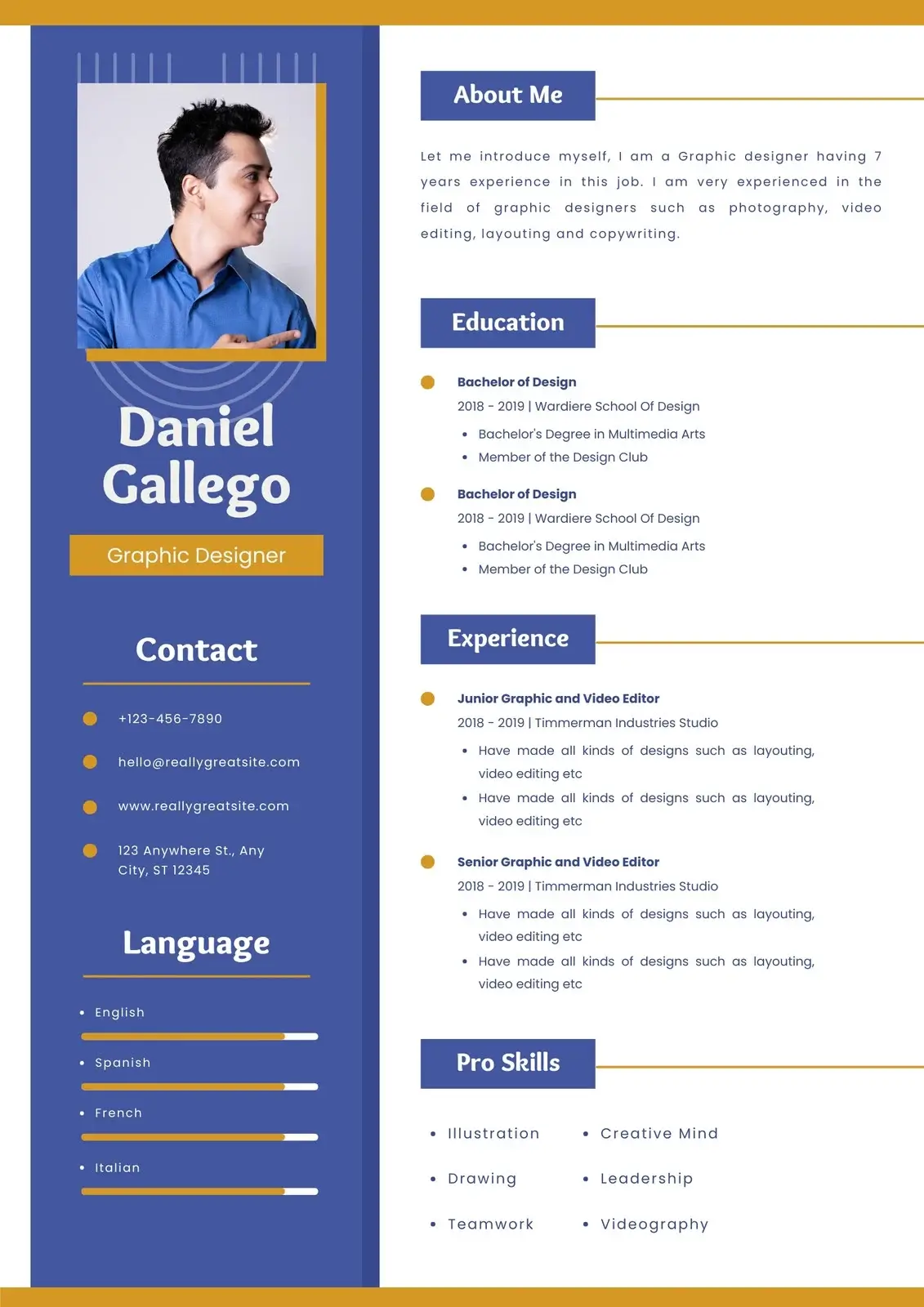
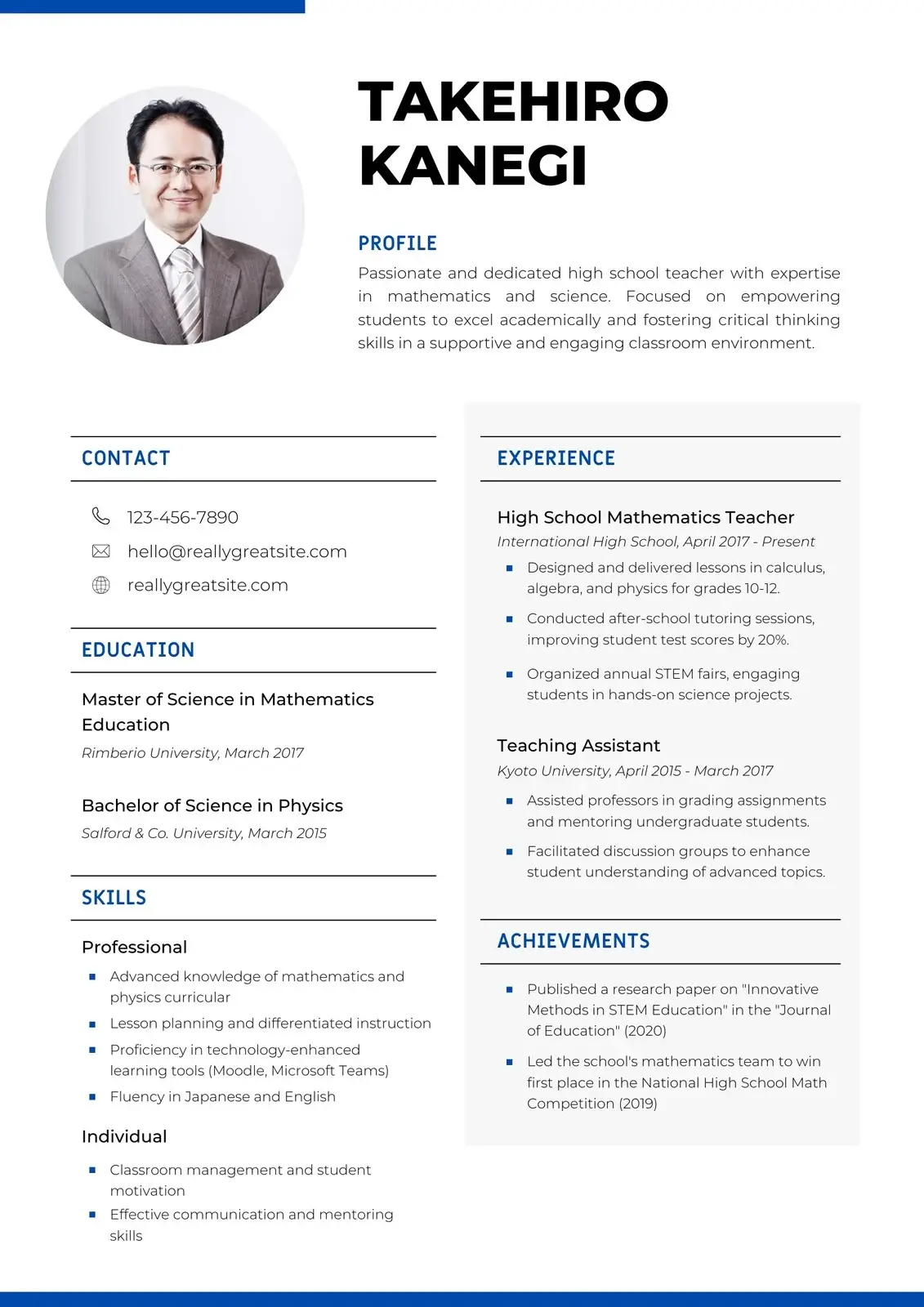
When it comes to design, Canva is king. Millions of people use it for social media, presentations, and, increasingly, their job applications. But as AI resume builder tools become more sophisticated, is a canva resume still the best choice?
In this guide, we’ll look at the canva resume maker, the new canva ai resume builder, and how they compare to dedicated platforms like zety, indeed, and flowcv.
The Appeal of the Canva Resume Maker
The biggest draw of canva is the creative freedom. A canva resume can be anything you want it to be. With thousands of templates and a drag-and-drop editor, you can create a document that is truly unique.
### Pros of Using Canva: - Unlimited Design Options: Choose any color, font, or layout. - Free Resume Builder: Many of the best templates are available on the canva login free tier. - Visual Impact: Perfect for creative roles (design, marketing, fashion) where you want to show off your visual sense.
### Cons of Using Canva: - ATS Issues: This is the big one. Because Canva resumes are essentially flat images or complex PDFs, ATS (Applicant Tracking Systems) often struggle to read the text correctly. - Manual Formatting: You have to manually align every text box and bullet point. There is no guided wizard like you’d find on zety resume builder.
The New Player: Canva AI Resume Builder
To compete with tools like RESUGROW and kickresume, Canva has introduced its own ai resume builder free (with some premium features). Using their "Magic Write" technology, you can now generate text directly inside your resume template.
While the canva ai resume builder is a great addition, it is still a design-first tool. It doesn't offer the same level of career-specific optimization (like SAR rewriting or ATS scoring) that you get from a dedicated ai resume builder.
Canva vs. The Dedicated Builders
| Feature | Canva | Zety / RESUGROW | Indeed Builder | | :--- | :--- | :--- | :--- | | Design Control | 10/10 | 5/10 | 2/10 | | ATS Score | 3/10 | 9/10 | 8/10 | | Writing Help | Basic AI | Advanced AI / SAR | None | | Price | Free / Pro | Subscription / Credits | Free |
### Canva vs. Zety If you want your resume to look like a piece of art, use canva. If you want your resume to get you an interview at a Fortune 500 company, use zety or RESUGROW. The structured data in a zety resume builder document is much more reliable for corporate parsers.
### Canva vs. FlowCV FlowCV is a great middle ground. It offers more design flexibility than Zety but maintains the structured data that canva lacks. Plus, like Canva, it has a very generous free tier.
How to Use Canva for Your Job Search Safely
If you decide to go with a canva resume, follow these tips to ensure you don't get filtered out: 1. Keep it Simple: Avoid overlapping text boxes or putting text inside graphics. 2. Standard Fonts: Use standard fonts like Arial or Helvetica that ATS systems recognize. 3. Export as PDF: Always download as a high-quality PDF, never a JPG or PNG. 4. Run a Test: Use a tool like RESUGROW's ATS Checker to see if your Canva PDF is actually readable by machines.
The Verdict
Canva is a brilliant tool for many things, but for resumes, it’s a "proceed with caution" situation. It’s perfect for creative industries or for networking where you are sending your resume directly to a human.
For most job seekers, however, a dedicated ai resume builder or a tool like flowcv provides a better balance of professional design and machine readability.
Summary: - Canva is best for creative roles and visual impact. - Dedicated builders (Zety, RESUGROW) are better for ATS and corporate roles. - The canva ai resume builder is a good start but lacks deep career optimization. - Always check your canva login settings to ensure your shared links are private.
Ready to improve your score?
